Electronic tickets can now be selected when making reservations from New Japan Philharmonic Ticket Online.
You can download your ticket to your smartphone. No ticketing procedures are required.
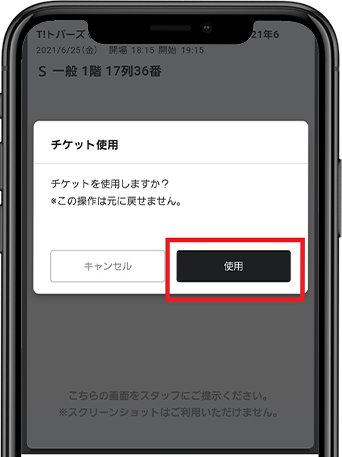
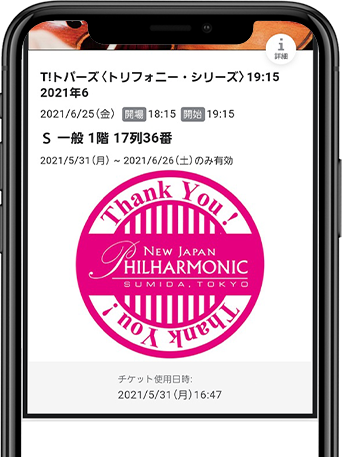
Just show the e-ticket to the staff when you enter. It is safe because it is non-contact.
Ticketing and shipping fees that would normally be incurred for purchases are not incurred.
* Electronic ticket system usage fee is 150 yen per ticket.
Since it is an electronic ticket, you will never lose your ticket.
Tickets can be handed over without meeting a friend or acquaintance.
All sponsored performances (subscription concert, special concerts, chamber music series)
For subscription concert, single tickets and Ticket・My plan can be used when purchasing tickets. Continuous Ticket are not eligible.
Customers who have reserved tickets for the sponsored performance on New Japan Philharmonic Ticket Online.
In order to use electronic tickets, you need to register as a New Japan Philharmonic Ticket Online member.
スマートフォン(iPhoneまたはandroid)があればご利用いただけます。
※スマートフォン以外の携帯電話(フィーチャーフォン)やらくらくスマートフォンではご利用いただけません。タブレットは非推奨端末です。
When reserving tickets from New Japan Philharmonic Ticket Online,
Select "Credit card payment" → "Electronic ticket issuing".
After payment is completed, you will receive an "electronic ticket issuing information email".
Please check the URL or "Electronic ticket list" on the customer's My Page of Ticket Online.
* In addition to the ticket price, an electronic ticket system usage fee of 150 yen per case will be charged.
チケットの分配も可能です。詳しくは、サービス案内ページをご確認ください。
[複数枚チケットの場合]
チケットを横にスワイプすると、次のチケットがご確認いただけます。
事前に同行者様にチケットを分配することができます。
スムーズな入場のために、チケットの分配は事前にお済ませください。
チケットの分配方法は下記のサービス案内ページをご確認ください。
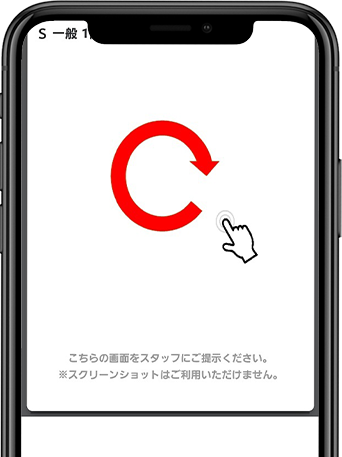
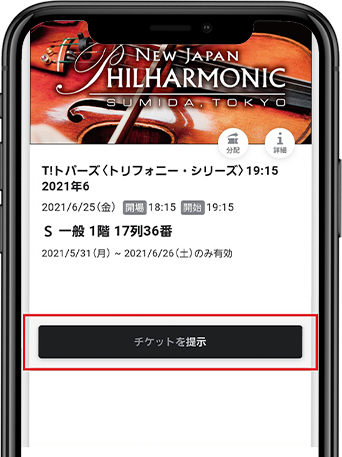
*Can be operated from 30 minutes before opening.
*When you press the "Show ticket" button, it will be in "Usage mode" and the stamp will react.
*The QR code may not be displayed depending on the event.